


Coding and Robotics for Teachers
Discover tools, lessons, and interactive modules designed to help South African educators confidently teach Coding & Robotics in the classroom
Target Groups
-

In-Service Teachers
South African teachers currently implementing the CAPS Coding and Robotics curriculum will find practical guidance, simple explanations, and easy-to-use classroom activities. This resource supports teachers with varying levels of digital experience, helping them build confidence and deliver meaningful Coding and Robotics lessons in any school context.
-

Pre-Service Teachers
Future educators preparing for their teaching careers can use this platform to develop a strong foundation in Coding and Robotics. The content introduces key concepts, teaching strategies, and curriculum expectations, helping pre-service teachers feel ready to teach emerging technologies from their first day in the classroom.
-
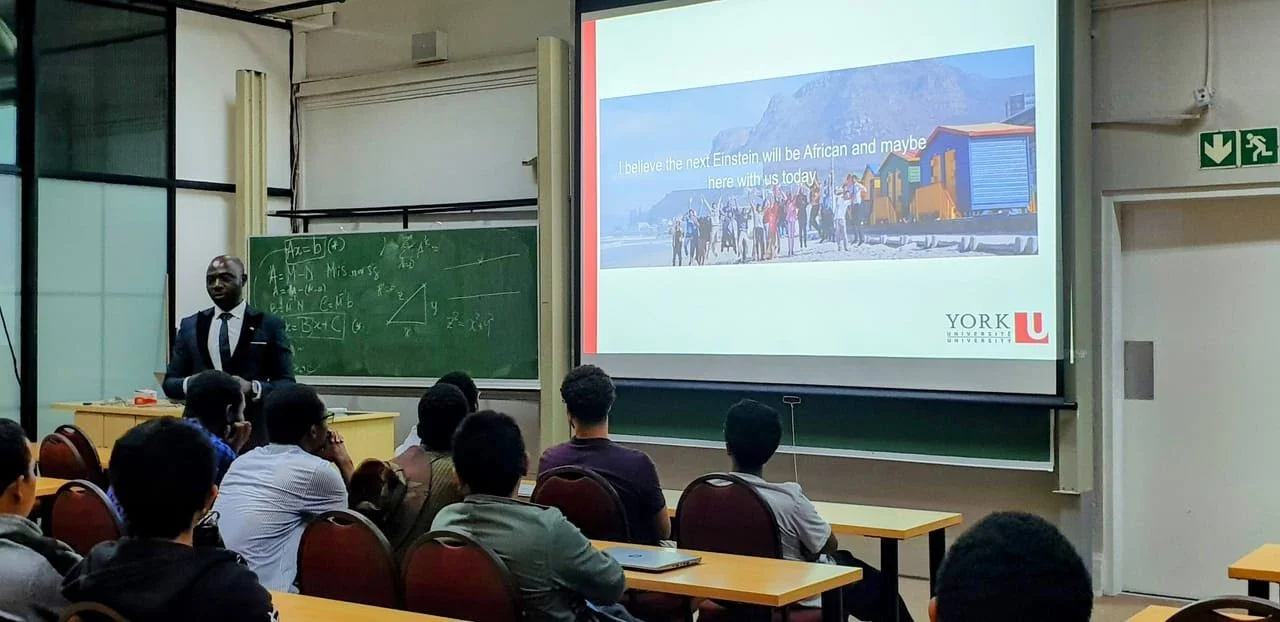
Teacher Educators
University lecturers and teacher trainers can integrate these materials into their courses to strengthen preservice teacher preparation. The website offers research-informed explanations, CAPS alignment, and practical examples that can support teacher training programs focused on digital skills, Coding and Robotics, and innovative pedagogies.
Why Coding & Robotics Matter: A Teacher’s Guide
Coding and robotics are not just about computers or building robots — they are practical ways to teach problem-solving, creativity and resilience. CAPS has introduced these topics because learners who practise computational thinking and hands-on design are better prepared for tertiary study and careers in a digital world. This section explains why Coding & Robotics belong in every classroom, how they support CAPS outcomes, and how you can teach these concepts even with limited resources.
1. The big-picture reasons
21st-century skills: Coding & robotics develop logical thinking, creativity, collaboration and persistence — skills learners need in many careers, not just STEM.
CAPS alignment: The curriculum emphasises skills and competencies; coding and robotics give concrete ways to meet those goals through practical, assessable activities.
Equity & accessibility: When taught with unplugged and low-tech methods, these topics are accessible in schools with limited hardware.
Engagement & motivation: Project work with immediate, visible results (a moving robot, a working sequence) raises learner engagement and retention.
Career pathways: Exposure to computational thinking and robotics helps learners see pathways into technical and vocational careers that drive South Africa’s economy.
2. How Coding & Robotics support CAPS outcomes
Problem solving & inquiry: CAPS asks learners to investigate and solve problems. Coding breaks problems into steps; robotics connects ideas to physical outcomes.
Design & technology skills: Building a robot or designing an algorithm practices the design cycle — plan, create, test, improve — which mirrors CAPS assessment tasks.
Computation & numeracy: Sequencing, variables and loops reinforce number sense, measurement, geometry and data handling.
Collaboration & communication: Pair or group tasks foster discussion, role-taking and reporting — useful for CAPS project or group assessments.
3. Benefits for learners
Boosts confidence: Small, achievable coding and robotics tasks give quick wins and build self-efficacy.
Improves problem solving: Learners learn to break bigger problems into smaller steps and test solutions systematically.
Encourages creativity: Open-ended tasks let learners design and personalise solutions.
Prepares for jobs: Skills learned transfer to many careers — not only programming jobs but engineering, design, entrepreneurship and data work.
4. Teaching in low-resource settings
You don’t need expensive kits or a computer lab:
Unplugged activities (paper, cards, string, cups) teach sequencing, loops, conditionals and debugging.
Low-cost robotics: Simple DIY bots using recycled materials and low-cost motors or micro:bit/Arduino starter kits work well when available.
Use mobile phones or a single classroom computer for demonstrations while learners do paired unplugged tasks.
Rotate resources: Set up stations: unplugged, coding on one device, and robot assembly on another — learners rotate in groups.
Example mini activity: “Treasure Hunt Algorithms” — learners write step-by-step instructions to guide a blindfolded partner to a ‘treasure’ (cup) using only directional commands. This teaches decomposition, sequencing and debugging.
5. Classroom practice
Start short: 10–15 minute daily warm-ups practising sequencing or pattern recognition.
Use learning objectives: Tie activities to CAPS learning aims and write one line linking the activity to the specific CAPS outcome.
Assess simply: Use checklists or short reflections: “I can describe the steps I used” / “I can fix one bug in my sequence.”
Promote reflection: After tasks ask learners: “What failed? What worked? What will you change?” — builds metacognition.
6. Addressing teacher concerns
“I don’t know how to code.” — You don’t need to be an expert. Start with unplugged tasks and scripted lesson plans; grow your skills alongside your learners.
“We don’t have kits.” — Unplugged learning + inexpensive or shared hardware is enough to meet early CAPS outcomes.
“Assessment worries me.” — Use observable outcomes and short performance tasks (explain, demonstrate, improve) aligned to CAPS criteria.
7. What success looks like (for your classroom)
Learners can explain a simple algorithm (in words or flowchart).
Groups can design, test and improve a simple solution (paper or physical).
You can point to one measurable change: increased learner engagement, more collaborative work, or a successful end-of-term mini project.
8. Resources & next steps
Quick lesson plans (Foundation → Senior Phase)
Printable unplugged activities and worksheets
Low-cost kit suggestions and supplier tips
Short video demos you can show in class
Self-assessment form for teachers